Your lecture, edited by nobody.
Upload a talking-head recording and your slide deck. SkipEdit transcribes your speech, places every slide at the exact moment you talk about it, and renders a broadcast-quality presenter-plus-slides video. No timeline. No editing.
1 FREE CREDIT ON SIGNUP · NO CARD REQUIRED
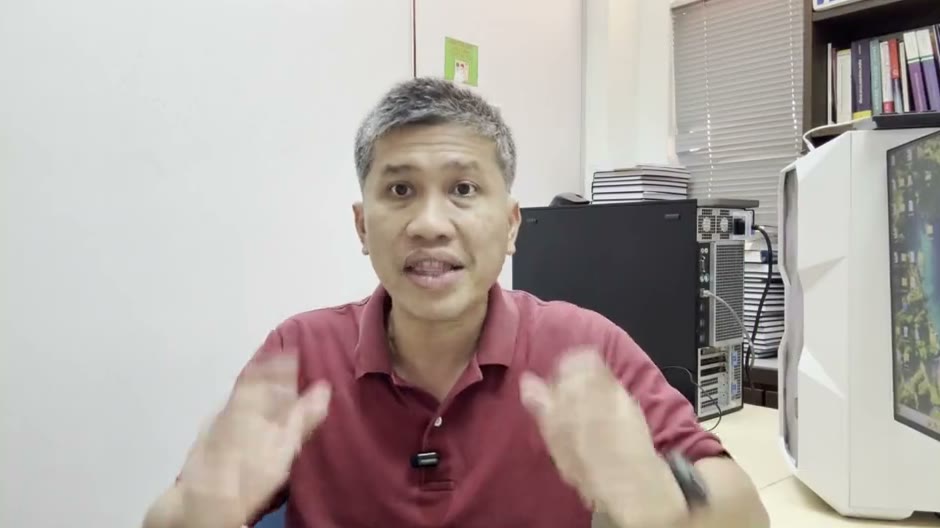
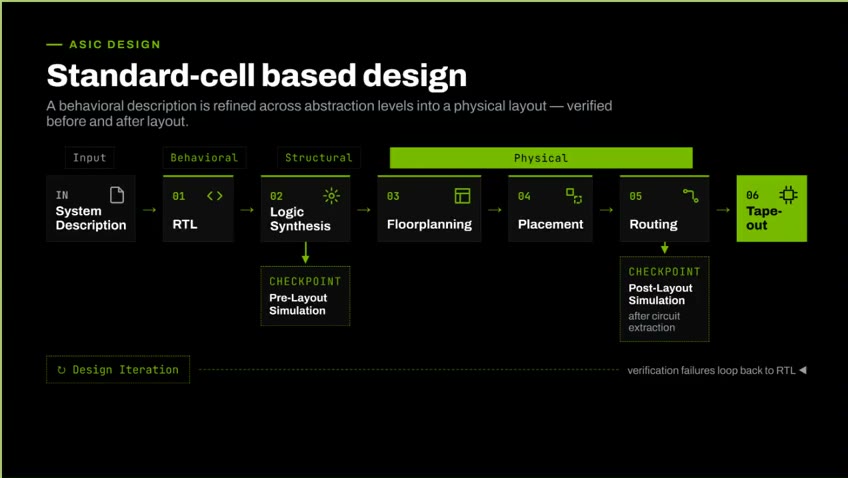
↑ YOUR RECORDING + SLIDES IN, ONE FINISHED LECTURE OUT — A REAL RESULT, UNTOUCHED BY AN EDITOR
Not another AI avatar tool.
Avatar generators replace you with a synthetic presenter. SkipEdit polishes the real you — because your students signed up for your teaching.
AI-synced slides
The AI reads your transcript and your slides, then places each slide change at the exact moment you start talking about it. Nudge any timing you disagree with.
Upload, then walk away
Transcribing, syncing, composing, rendering — the whole edit happens in the cloud while you do literally anything else. Come back to a finished video.
Styled by your own deck
The video chrome — colors, frames, labels — is sampled from your slide deck's palette, so every video matches your course branding without design work.
Two files in. One finished video out.
Pick two files
Your talking-head recording (any webcam or phone video) and your slide deck as a PDF — export straight from PowerPoint, Keynote, or Google Slides.
SkipEdit builds the edit
It transcribes your speech word-by-word, renders your slides, matches each one to the moment you discuss it, and composes the full video: title card, presenter opener, side-by-side teaching section, outro.
Review, render, publish
Check the proposed slide timings, nudge any that feel off, and hit render. Download the MP4 for your LMS, YouTube, or MOOC platform. Re-renders are free — tweak until it's right.
A week of editing, or a coffee break.
Editing it yourself
- Learn a video editor with a timeline, tracks, and keyframes
- Scrub the recording to find every slide-change moment by ear
- Cut, align, and re-align picture-in-picture layouts by hand
- Render for hours on your own laptop — then spot one mistake
- Repeat for all 30 lectures of the semester
With SkipEdit
- Upload the recording and the PDF — from any browser
- AI finds every slide-change moment from your own words
- Composition, branding, and layout handled automatically
- Cloud GPUs render in minutes while you do something better
- Batch a whole semester in one upload session
Pay per video. Credits never expire.
One credit = one finished video, with free re-renders while you fine-tune timings. No subscription, no monthly quota anxiety.
Free
1 credit on signup · full pipeline, full quality, watermarked output.
Starter — 5 credits
Five finished videos, no watermark. About $9.80 per lecture.
Pro — 20 credits
A full course's worth at the best per-video price.
Questions lecturers actually ask.
What is SkipEdit?
Is SkipEdit an AI avatar tool? Does it change my voice or face?
What files do I need to make a lecture video?
How long does SkipEdit take to make a video?
What if a slide lands at the wrong moment?
How much does SkipEdit cost, and do credits expire?
Does SkipEdit add captions and subtitles to lecture videos?
Can AI choose the video style and layout automatically?
Your first video is free.
Sign up, upload one lecture and its slides, and see your own finished video — no card, no editing, no excuses.
Open SkipEdit Studio